

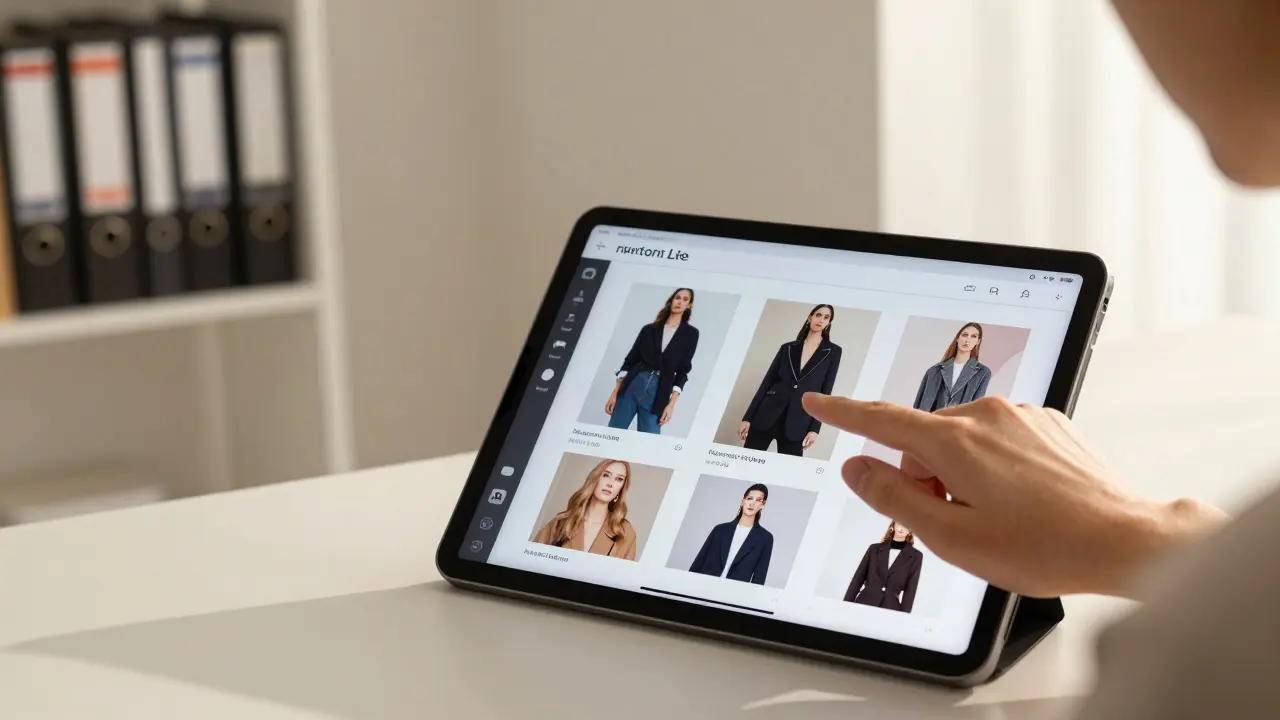
Imagine sitting down with a stylist. In the old days, they’d hand you a thick binder full of ripped magazine pages and fabric swatches. It was tactile, sure, but it was also messy, heavy, and impossible to update if your mind changed halfway through the session. Today, that binder is gone. Instead, you’re looking at an iPad or a sleek laptop screen. The stylist swipes through a curated collection of images, videos, and notes that perfectly capture the vibe you discussed ten minutes ago.
This shift isn’t just about convenience; it’s a fundamental change in how styling services operate. The tool making this possible is the digital lookbook. For stylists, especially those working in fast-paced markets like New York City, these digital assets are no longer optional extras-they are the backbone of client communication, brand building, and sales conversion.
If you’re a stylist wondering how to make the switch, or a business owner trying to understand why your clients prefer certain professionals over others, understanding the mechanics behind these visual references is crucial. Let’s break down exactly how stylists build them, why they work so well, and what tools power them.
The Anatomy of a Winning Digital Lookbook
A digital lookbook is more than just a folder of JPEGs. It’s a structured narrative. When a stylist creates one, they aren’t just showing clothes; they are selling a vision. The anatomy usually consists of three distinct layers: inspiration, specifics, and logistics.
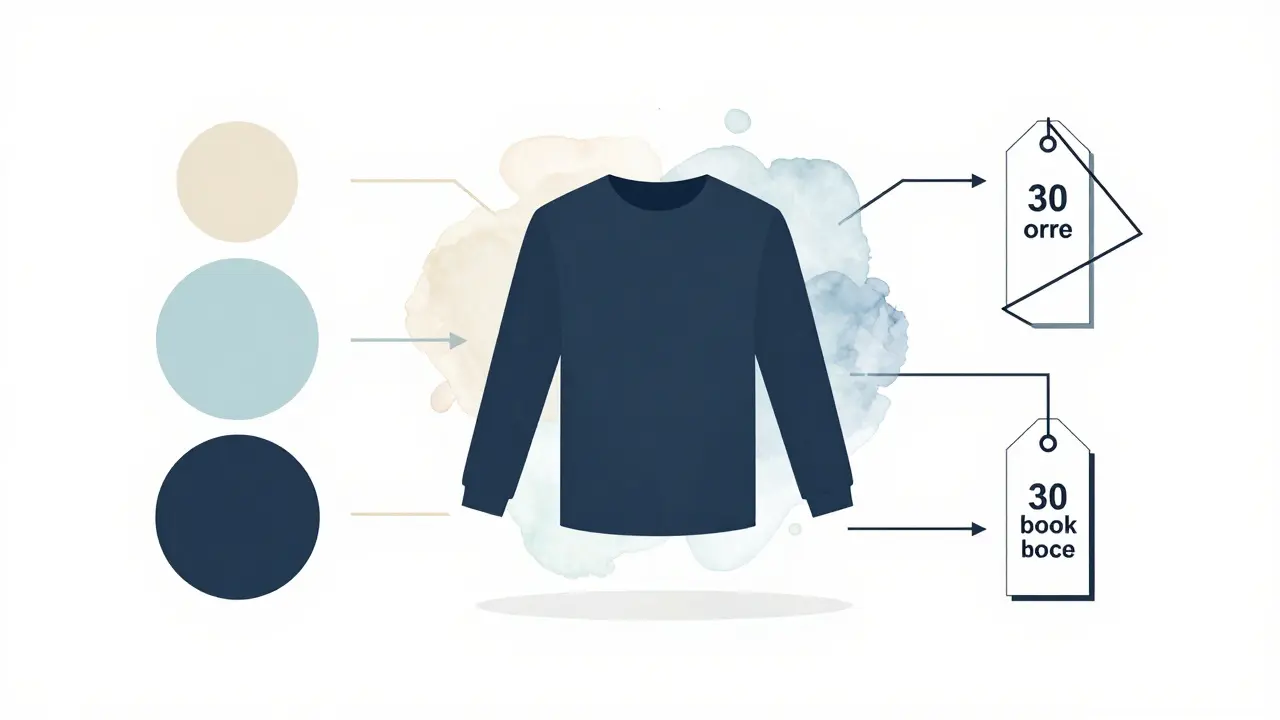
First, there’s the mood layer. This includes color palettes, texture shots, and lifestyle imagery that sets the tone. Is the client going for "minimalist executive" or "bohemian festival-goer"? The images here answer that question before a single garment is shown.
Second, there’s the product layer. These are high-resolution photos of actual items available for purchase or rental. Crucially, these aren’t just flat-lay photos from a manufacturer’s catalog. Stylists often overlay their own notes on these images-pointing out fit issues, suggesting alterations, or highlighting specific details like stitching or lining.
Third, and most importantly, is the logistical layer. This connects the visual to the reality. It includes pricing, availability dates, sizing recommendations, and direct links to buy or reserve items. Without this layer, a lookbook is just art. With it, it’s a functional shopping cart.
| Component | Purpose | Common Tools Used |
|---|---|---|
| Mood Boards | Establish aesthetic direction and color theory | Pinterest, Milanote |
| Product Catalogs | Showcase specific garments with pricing/availability | StyleSeat, Shopify catalogs |
| Annotation Layers | Add personal styling notes and fit advice | Adobe Express, Canva |
| Interactive Links | Enable immediate purchasing or booking | Hyperlinked PDFs, Web-based portals |
Tools of the Trade: Building the Book
You don’t need to be a graphic designer to create a stunning digital lookbook, but you do need the right stack of software. Most professional stylists use a combination of curation tools and design platforms.
For gathering initial ideas, Pinterest remains the king of visual discovery. Its algorithm is surprisingly good at finding niche aesthetics. However, Pinterest alone isn’t enough for client-facing work because it lacks structure and professionalism. That’s where dedicated board-making tools come in.
Canva has become the industry standard for quick, polished layouts. Stylists love it because it offers pre-made templates specifically designed for fashion portfolios. You can drag and drop images, add your logo, and adjust fonts to match your brand identity in minutes. For more complex projects, some stylists move to Adobe InDesign, which offers precise control over typography and layout, though it comes with a steeper learning curve.
Then there’s the presentation layer. Many stylists now use interactive web-based platforms instead of static PDFs. Tools like Issuu or custom WordPress sites allow clients to click through pages on their phones. This is vital because many consultations happen remotely now. A static PDF can feel clunky on a mobile device, whereas a responsive web page feels native.
The Psychology of Visual Persuasion
Why does a digital lookbook work better than a verbal description? It taps into how our brains process information. We are visual creatures. Studies in consumer psychology show that people retain 65% of information three days later if it’s presented with relevant visuals, compared to only 10% if it’s text-only.
In styling, this means less back-and-forth email chains asking, "Did you mean blue or navy?" When a client sees the exact shade of navy next to a charcoal blazer and a white silk blouse, the decision becomes intuitive. The lookbook removes ambiguity.
It also builds trust. A well-organized digital book signals competence. It shows the client that the stylist has done the homework. They haven’t just thrown random pretty pictures together; they’ve constructed a cohesive argument for why these pieces belong together. This reduces "decision fatigue" for the client, who might otherwise feel overwhelmed by endless options.
Workflow: From Consultation to Click
Creating a digital lookbook isn’t a one-off task; it’s part of a repeatable workflow. Here is how a typical process unfolds in a modern styling business:
- The Discovery Call: Before any images are selected, the stylist conducts a thorough consultation. They ask about budget, lifestyle, body type, and personal preferences. They might even send a short questionnaire beforehand.
- Curation Phase: Using the answers from the call, the stylist spends 1-3 hours sourcing images. They pull from retailer websites, their own inventory database, and saved inspiration folders.
- Assembly: The stylist arranges these images into a logical flow. Usually, they start with the "hero" look-the most complete outfit-and then break it down into individual components or alternative options.
- Review and Edit: A second pair of eyes (or a self-review after a break) checks for consistency. Are the fonts matching? Are the prices accurate? Is the lighting consistent across photos?
- Presentation: The final file is shared via a secure link. The stylist schedules a time to walk the client through it, either in person or via video call, answering questions in real-time.
This structured approach ensures that every lookbook serves a clear purpose: to move the client from uncertainty to confidence.
Monetizing Your Visual Assets
For stylists, digital lookbooks are also powerful marketing tools. They aren’t just for active clients; they’re for attracting new ones. A public-facing lookbook on your website showcases your expertise without requiring a paid consultation first.
Many stylists offer tiered packages. A basic package might include a simple PDF lookbook with five outfit ideas. A premium package could feature an interactive web portal with unlimited revisions, video try-on sessions, and direct purchasing links. By packaging the lookbook as a deliverable, you justify higher fees.
Additionally, lookbooks can drive affiliate revenue. If you include shoppable links in your digital books, you can earn commissions on items clients buy directly from retailers. This turns your styling service into a hybrid content-commerce model.

Common Pitfalls to Avoid
Even experienced stylists make mistakes when creating digital references. Here are the most common traps:
- Overloading the Page: Clutter kills clarity. Leave white space. Let each outfit breathe. If a page looks busy, the client will feel overwhelmed.
- Inconsistent Sourcing: Mixing low-quality stock photos with high-end editorial shots creates a disjointed experience. Stick to a consistent visual quality level.
- Ignoring Mobile Optimization: If your client opens the lookbook on their iPhone during lunch, it needs to load fast and look good vertically. Test your files on multiple devices before sending.
- Failing to Update: Fashion moves fast. A lookbook created six months ago might reference sold-out items. Always double-check availability before presenting.
The Future of Digital Styling
We’re only scratching the surface of what’s possible. As technology evolves, so do digital lookbooks. Augmented Reality (AR) is beginning to play a role. Imagine a client pointing their phone camera at themselves and seeing how a jacket fits in real-time, overlaid onto their image. While not yet mainstream, AR try-ons are being integrated into some high-end styling apps.
Artificial Intelligence is also changing the game. AI tools can now suggest complementary accessories based on a base outfit, or even predict trends before they hit the mainstream. Stylists who leverage these tools will have a significant edge, allowing them to produce personalized lookbooks faster and with greater accuracy than ever before.
The bottom line is simple: in the world of styling services, perception is reality. Your digital lookbook is the bridge between your expertise and your client’s wardrobe. Build it well, keep it updated, and watch your business grow.
What is the best free tool for creating digital lookbooks?
Canva is widely considered the best free option for beginners. It offers hundreds of fashion-specific templates, easy drag-and-drop functionality, and the ability to export high-quality PDFs or shareable web links without a subscription.
How long should a digital lookbook be?
Aim for 10-15 pages maximum. Anything longer risks overwhelming the client. Focus on 3-5 complete outfits with variations, rather than listing dozens of individual items. Quality and cohesion matter more than quantity.
Can I use copyrighted images from magazines in my lookbook?
Generally, no. Using editorial images from Vogue or Harper's Bazaar without permission violates copyright law. Instead, use official press kits from brands, royalty-free stock photography, or your own photos. Many brands provide high-res images for promotional use upon request.
Should I include prices in my digital lookbook?
Yes, transparency builds trust. Including approximate prices helps manage client expectations and prevents awkward conversations later. If items are rented or custom-made, clearly label them as such with their respective cost structures.
How do I protect my lookbook designs from being stolen?
Add watermarks to your images, disable right-click saving on web-based lookbooks, and include a copyright notice on the first page. While you can't completely prevent theft, these measures deter casual copying and establish legal ownership.