

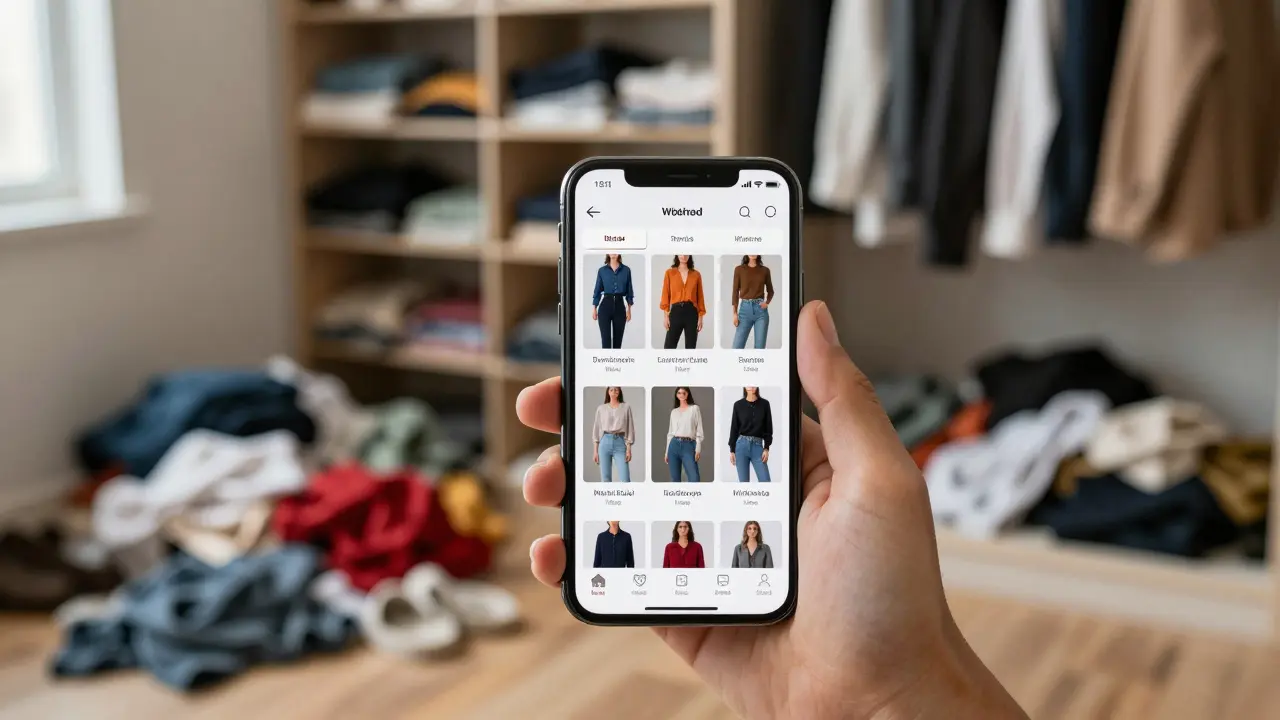
Ever stood in front of a closet bursting at the seams, only to stare blankly and think, "I have nothing to wear"? You aren't alone. Most of us own clothes we rarely touch while stressing over what to put on each morning. The solution isn't buying more; it's seeing what you already have. This is where digital wardrobe apps change the game. By photographing your clothing and uploading it to a dedicated app, you create a virtual inventory that helps you plan looks, track how often you wear items, and actually get value out of every piece you own.
It sounds like extra work-taking photos of every shirt and pair of pants can feel tedious. But once that initial setup is done, these tools save you time daily. They turn chaos into clarity. Whether you are trying to build a minimalist capsule wardrobe or just want to stop wearing the same three outfits on repeat, digitizing your closet is the most effective step you can take in 2026.
Why Digitize Your Closet?
The core problem with physical closets is invisibility. Items buried at the back exist until you need them urgently, but they don't factor into your daily decision-making. A digital wardrobe brings everything into view. It forces you to confront what you own, which naturally reduces impulse buys because you can see exactly what gaps exist in your collection.
Beyond organization, these apps provide data. Many users discover they own five identical black blazers or ten pairs of jeans that never match their tops. Seeing this visually is eye-opening. It shifts your mindset from "What should I buy?" to "How can I style what I have?" This approach aligns perfectly with sustainable fashion goals, reducing waste by maximizing the utility of existing garments.
| Benefit | Impact on Daily Life | Long-Term Value |
|---|---|---|
| Morning Efficiency | Reduces decision fatigue; saves 10-15 minutes daily | Consistent personal brand and style confidence |
| Purchase Awareness | Prevents duplicate buys by showing current inventory | Saves hundreds of dollars annually on unnecessary clothing |
| Wear Tracking | Identifies neglected items before donating them | Maximizes cost-per-wear ratio for expensive pieces |
| Travel Packing | Visualizes coordinated sets for trips | Ensures versatile packing with fewer items |
Top Digital Wardrobe Apps Compared
The market has matured significantly. Early versions were clunky photo galleries, but today’s leading apps offer AI-driven styling, weather integration, and seamless wear tracking. Here is how the top contenders stack up for different user needs.
Closetful is a highly visual digital closet organizer known for its intuitive drag-and-drop interface. It allows users to easily mix and match items to create outfits. Its standout feature is the ability to share lookbooks and export shopping lists directly from planned outfits. If you love experimenting with combinations before leaving the house, this is your best bet.
Acloset is an AI-powered wardrobe assistant that focuses on analytics and sustainability. It tracks your wear frequency and suggests outfits based on local weather forecasts. Acloset also provides detailed reports on your spending habits and carbon footprint, making it ideal for eco-conscious users who want data-driven insights into their consumption.
Whering is a social-focused wardrobe app that integrates with resale platforms. Beyond organizing clothes, Whering lets you sell unwanted items directly through the app. It features a community aspect where you can follow influencers and see how they style similar pieces. This app bridges the gap between organization and the circular economy.
Stylebook is the veteran player in the digital wardrobe space, offering robust customization options. It doesn’t rely heavily on AI but gives you full control over categorization and tagging. It’s perfect for power users who want granular control over their inventory without algorithmic suggestions dictating their choices.
How to Photograph Clothing Like a Pro
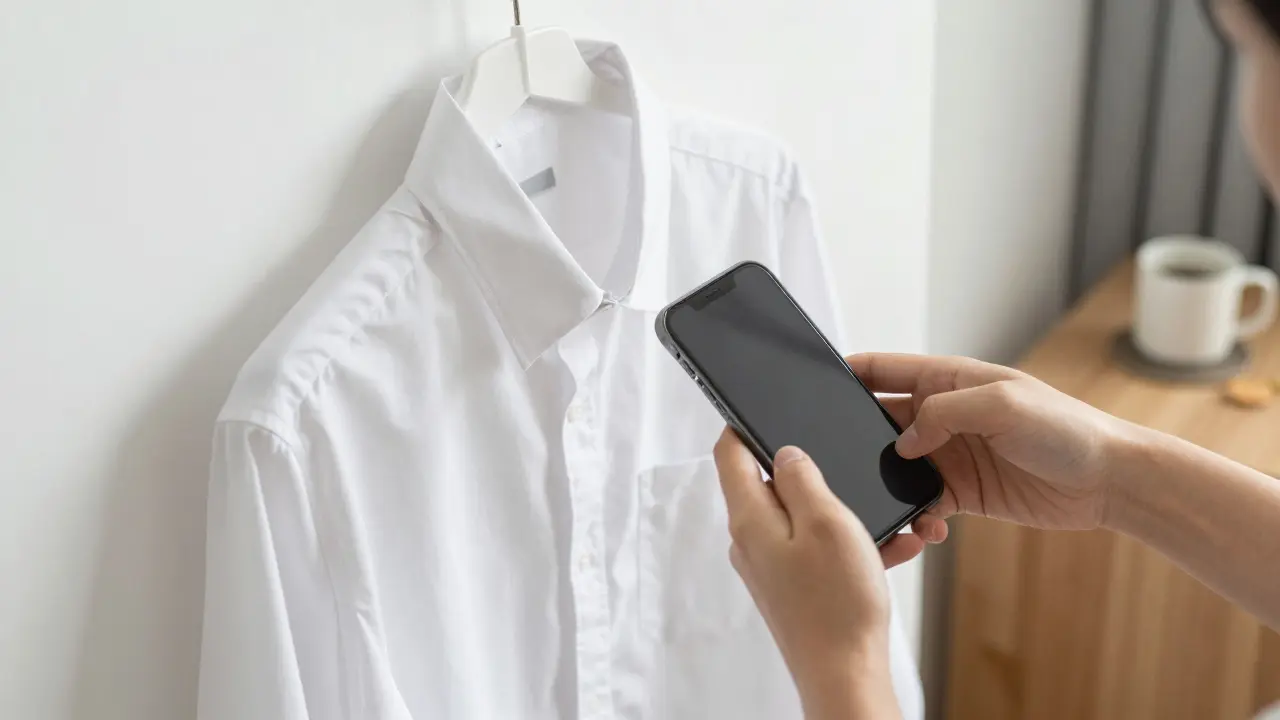
The biggest hurdle people face is the photography process. Poor lighting or messy backgrounds make the app useless because you won’t recognize the item later. You don’t need a professional camera, but you do need consistency.
- Find a Neutral Background: Use a plain white wall, a clean door, or a large sheet draped over a chair. Avoid cluttered rooms. The goal is to isolate the garment so it pops.
- Use Natural Light: Stand near a window during the day. Avoid direct sunlight that creates harsh shadows, but ensure the light is bright enough to show true colors. Yellow indoor bulbs distort fabric hues.
- Hang or Lay Flat: Hanging clothes on a plain hanger against a wall works well for shirts and dresses. For knits or structured jackets, laying them flat on a bed or table prevents stretching and shows the shape accurately.
- Shoot Straight On: Hold your phone parallel to the garment. Angled shots distort proportions. Fill the frame with the item, leaving a small margin around the edges.
- Include Details: Take one main shot, then add close-ups of unique patterns, logos, or textures if relevant. This helps when searching for specific details later.
Batch this task. Don’t try to upload one item at a time over weeks. Dedicate two hours on a weekend to photograph half your closet. Listen to music, pour a coffee, and treat it like a creative project rather than a chore. Once uploaded, the payoff is immediate.
Planning Looks and Tracking Wears
Once your inventory is live, the real magic begins. Start by creating "looks." Most apps allow you to drag and drop items together to form complete outfits. Do this for upcoming events, workdays, or travel itineraries. Visualizing the entire ensemble beforehand eliminates last-minute mismatches.
Tracking wears is equally critical. Every time you wear an outfit, log it in the app. Some apps integrate with smart mirrors or use manual check-ins. Over time, this data reveals patterns. You might notice you never wear wide-leg trousers despite loving them in the store. Why? Maybe they don’t fit right, or they clash with your shoes. Identifying these friction points helps you refine future purchases.
Use the "cost per wear" metric. A $200 coat worn 50 times costs $4 per wear. A $20 t-shirt worn once costs $20. Prioritize versatility. When planning new purchases, ask yourself: "Can I create at least three distinct outfits with this item using what I already own?" If the answer is no, skip the buy.
Building a Capsule Wardrobe with Data
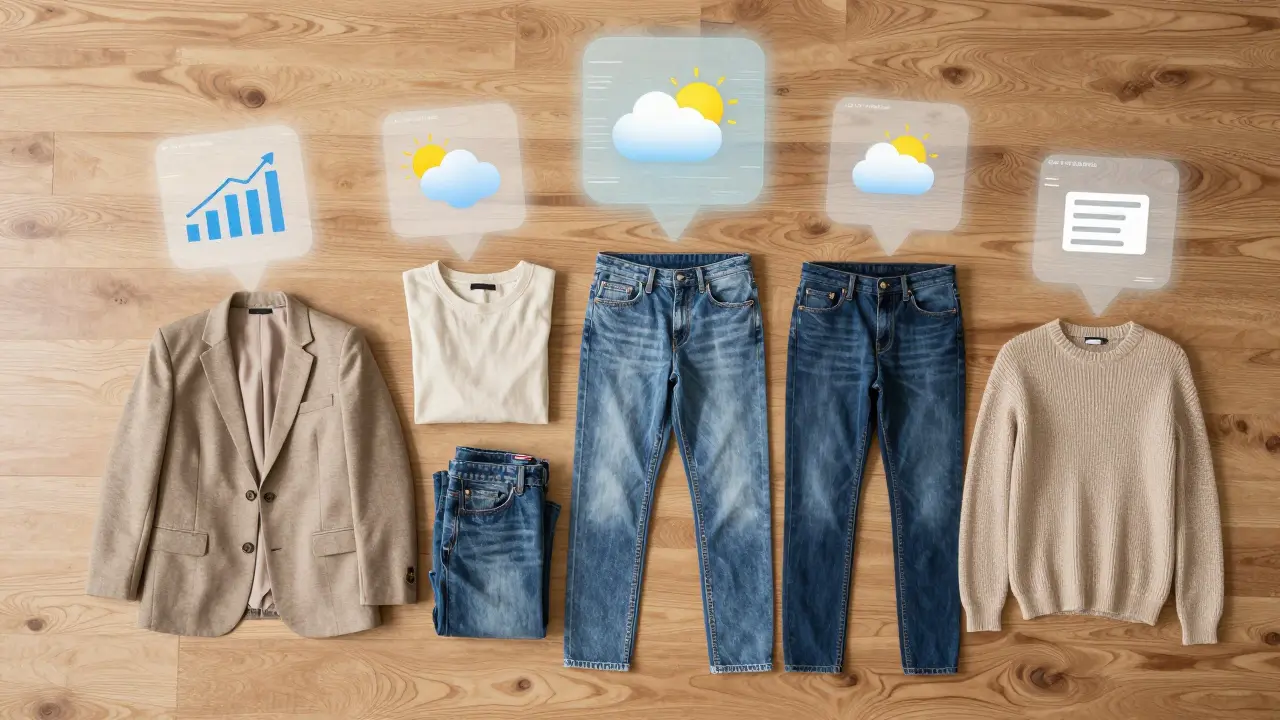
A capsule wardrobe consists of a limited number of interchangeable items. Digital apps make building one scientific rather than guesswork. Filter your inventory by color palette. Do you have too much beige and not enough contrast? Identify gaps in functionality. Are you missing a versatile layer for transitional weather?
Review your wear logs. Items worn less than twice a year are candidates for donation or sale. Removing these clears mental space and physical room. Replace them only if there is a clear, documented need. This methodical approach ensures every piece in your closet earns its place.
Seasonal rotation is easier digitally. Archive off-season items in the app (e.g., hide winter coats in July). This keeps your active inventory lean and focused on current needs, reducing decision fatigue during warmer months.
Troubleshooting Common Issues
Issue: I ran out of storage space for photos.
Solution: Compress images before uploading. Most apps accept JPEGs under 2MB. You don’t need high-resolution files for screen viewing. Alternatively, use cloud backup services linked to your app.
Issue: I forgot to log my outfits consistently.
Solution: Set a daily reminder or link it to an existing habit, like brushing your teeth at night. Keep the app icon on your home screen for quick access. Consistency matters more than perfection; logging 80% of outfits still yields valuable insights.
Issue: The AI suggestions are irrelevant.
Solution: Train the algorithm. Rate suggestions as "like" or "dislike." Over time, the app learns your preferences. If an app lacks this feedback loop, consider switching to one that prioritizes user input over automated guesses.
Is it worth taking photos of every single item?
Yes, for maximum effectiveness. Missing items create blind spots in your inventory, leading to accidental duplicates or forgotten favorites. However, start with your most-worn 50% if the task feels overwhelming. Gradually add the rest.
Which app is best for beginners?
Closetful is widely regarded as the most beginner-friendly due to its simple interface and lack of complex analytics. It gets you organized quickly without overwhelming features.
Can digital wardrobes help me save money?
Absolutely. By revealing what you already own, you avoid impulse buys. Users report saving an average of $500-$1,000 annually by stopping redundant purchases and focusing on filling actual gaps.
Do these apps work for plus-size or petite wardrobes?
Yes. All major apps allow custom tagging and sizing. The visual nature of the apps means fit is determined by your own photos, not generic mannequins. You can tag items by fit quality (e.g., "runs small") for future reference.
How often should I update my digital wardrobe?
Add new items immediately after purchase or dry cleaning. Remove sold or donated items within a week. Perform a full audit seasonally to archive off-season pieces and review wear statistics.