

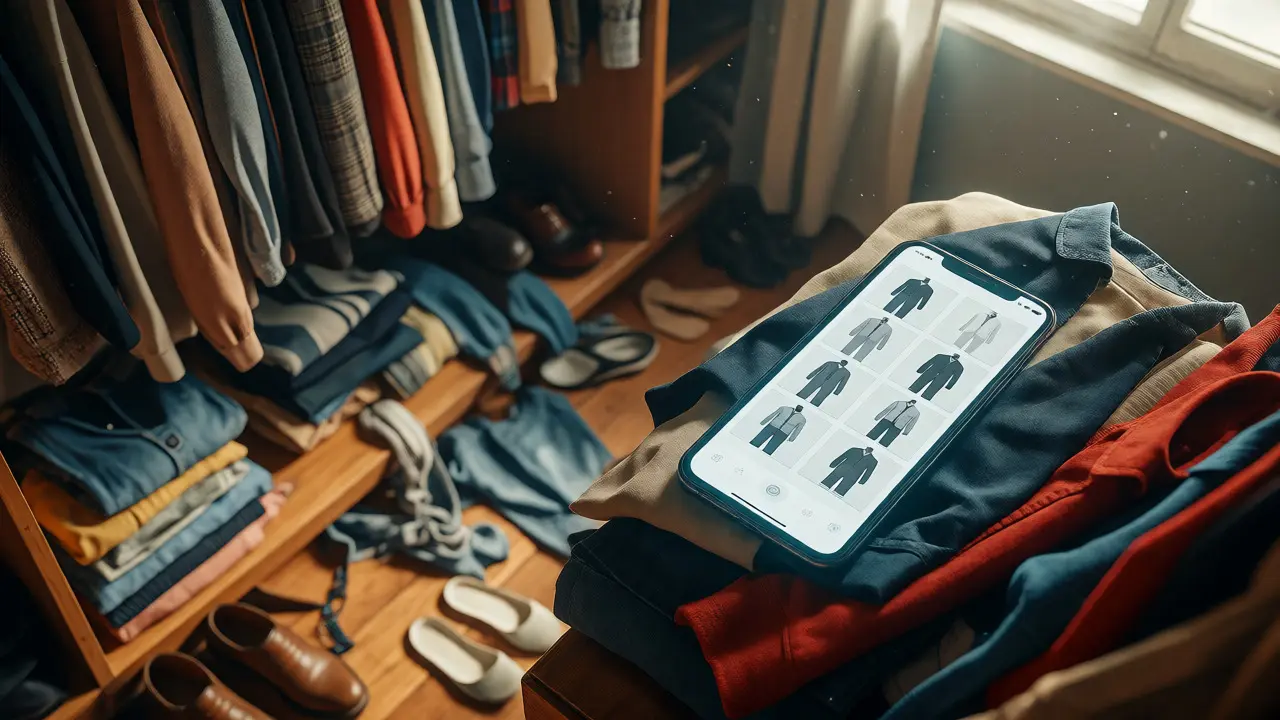
You spent hours photographing your clothes, stitching together perfect combinations in a digital app, and finally felt like you had a handle on what to wear. Then three months passed. You bought two new jackets, gained five pounds after a stressful project, or simply realized that the 'smart casual' vibe you curated last spring feels stiff and outdated now. Suddenly, your digital lookbook is a graveyard of outfits you never actually wear.
This isn't just about vanity; it's about utility. A static lookbook fails because life is dynamic. If you rely on styling services or personal apps to decide your daily attire, an outdated database leads to decision fatigue and wasted money. You end up buying things you already own because you forgot they existed, or wearing the same three safe options while ignoring the rest of your closet. The secret to a functional style system isn't building it once-it's maintaining it. Here is how to keep your digital wardrobe relevant as your body, lifestyle, and taste shift.
Why Static Lookbooks Fail Over Time
Most people treat their digital inventory like a museum exhibit: once placed, it stays there. But fashion is closer to software than art. It needs patches and updates. When you stop updating, several things break simultaneously. First, your fit data becomes inaccurate. Bodies change due to age, fitness changes, or health events. An outfit tagged "perfect fit" from two years ago might pinch at the waist today. Second, context shifts. Did you switch jobs? Start working from home more? Have kids? The social rules for dressing changed, but your lookbook didn't. Third, trends rotate. What looked fresh in 2024 might feel dated in late 2026. Holding onto these obsolete entries clutters your mental space, making it harder to see what actually works.
Consider the concept of decision fatigue. Every time you open an app filled with irrelevant options, your brain spends energy filtering out noise. If 30% of your saved outfits no longer fit or suit your current schedule, you're essentially doing extra work every morning. Regular maintenance reduces this cognitive load, turning your lookbook into a trusted assistant rather than a chaotic archive.
The Quarterly Audit: A Practical Framework
You don't need to overhaul your entire system every week. That’s exhausting. Instead, adopt a quarterly rhythm aligned with seasonal changes. This aligns naturally with when you likely buy new clothes anyway. Think of it as spring cleaning for your data. During this audit, you aren't just deleting photos; you are reassessing relationships between items.
Start by pulling up your most-used outfits. Are they still comfortable? Do they reflect who you are now? If you've adopted a more relaxed dress code, those rigid blazer-and-trouser combos might be dead weight. Move them to a "Archive" folder rather than deleting them immediately-you might want them for reference later, but they shouldn't clutter your main view.
Next, review your new acquisitions. Many people add new items to their digital library but forget to integrate them. An isolated photo of a new shirt is useless until you pair it with existing pants, shoes, and accessories. Force yourself to create at least three new combinations for every significant purchase. This ensures the new item earns its place in your rotation before you move on to the next trend.
Integrating Styling Services with Personal Data
If you use professional styling services, keeping your digital lookbook updated is arguably even more critical. Stylists work best when they have accurate, real-time data about your preferences and constraints. If you send them a lookbook from six months ago, they might suggest outfits based on a body type or lifestyle you’ve left behind.
When you update your lookbook, you’re effectively giving your stylist better instructions. Add notes to specific items. For example, tag a pair of jeans with "Comfortable for travel" or "Dry clean only." Tag a blouse with "Works under sweaters." These micro-details help stylists curate recommendations that respect your actual habits, not just theoretical aesthetics.
Furthermore, share your "Failures" list. Most lookbooks only show successes. But telling a stylist (or your future self) which outfits *didn’t* work is invaluable. Maybe that trendy skirt was too short for your office chair. Maybe those heels hurt after ten minutes. Documenting these pain points prevents repeated mistakes and refines the algorithm-or human judgment-used to generate new ideas.
Handling Body Changes and Fit Adjustments
Bodies are not static assets. Weight fluctuations, muscle gain, pregnancy, or aging can alter how clothes hang on you. A digital lookbook doesn't know this unless you tell it. One effective strategy is to re-photograph key anchor pieces-like your best-fitting trousers or favorite dress-if your measurements change significantly. Don't try to document everything; focus on the foundational items that make up 80% of your outfits.
If re-photographing feels like a chore, use tags to flag fit issues. Create a custom tag called "Needs Alteration" or "Sizing Up Needed." When you browse your lookbook, filter by these tags. This visual cue reminds you that the outfit looks great in theory but requires action before it’s wearable. It turns your digital inventory into a to-do list for tailoring, bridging the gap between aspiration and reality.
Lifestyle Shifts: Dressing for Who You Are Now
Your wardrobe should mirror your current life, not your past ambitions. If you started a new job requiring formal attire, but your lookbook is full of weekend casual wear, you’ll feel unprepared. Conversely, if you shifted to remote work, a lookbook dominated by suits might lead you to over-dress unnecessarily.
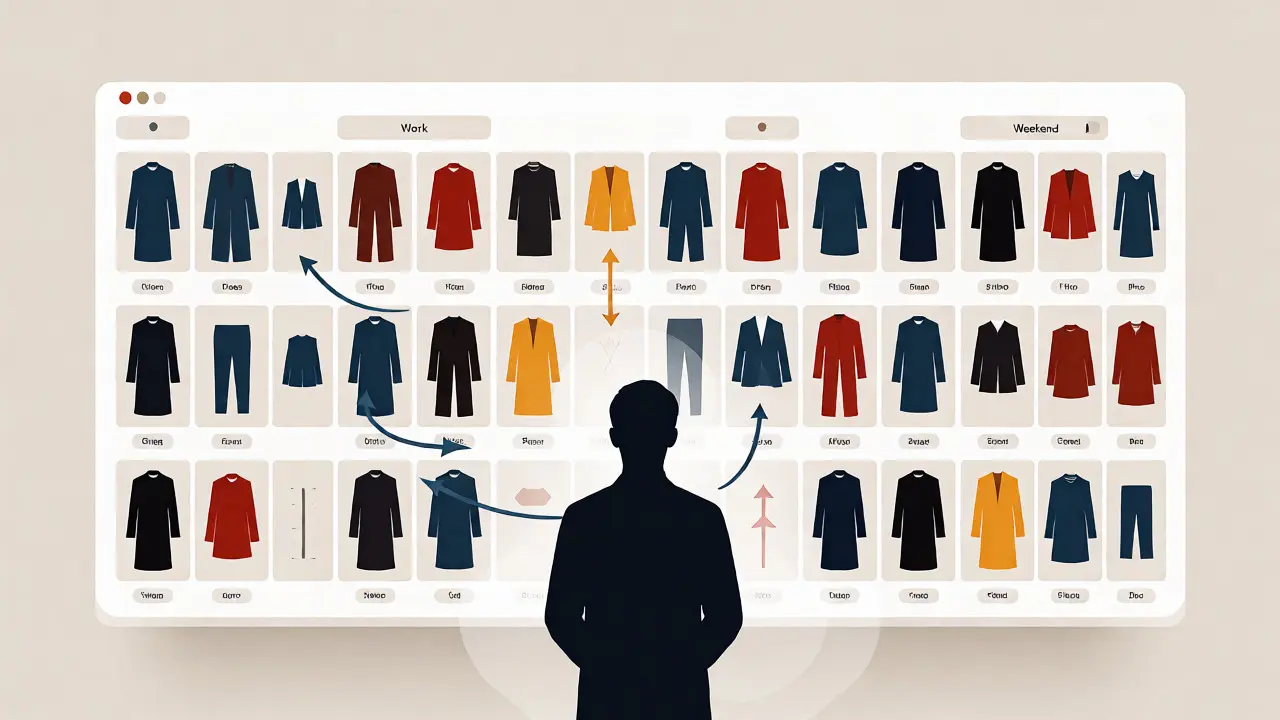
Review your calendar for the next month. How many meetings require video calls? How many involve face-to-face interactions? How much time do you spend outdoors? Adjust your lookbook categories to match these realities. Create a specific category for "WFH Professional" or "Weekend Errands." By segmenting your outfits by context rather than just garment type, you reduce the friction of choosing what to wear. You stop asking "What should I wear?" and start asking "What fits this specific activity?"
Tech Tools and Automation for Easier Updates
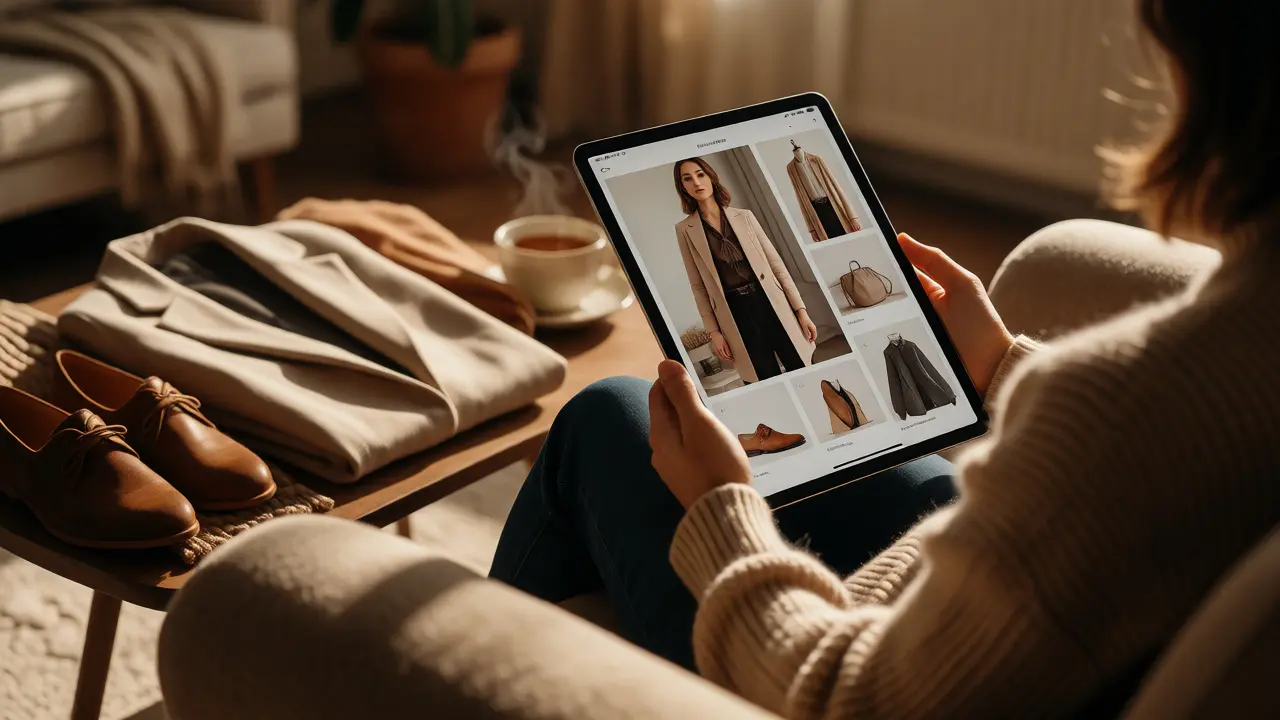
Manual entry is the biggest barrier to consistency. Fortunately, technology has caught up. Modern apps allow you to scan clothing tags using QR codes or RFID chips, instantly populating details like brand, material, and care instructions. Some AI-driven tools can even auto-suggest outfits based on weather forecasts and your calendar events.
Use these features to lower the effort threshold. If an app suggests an outfit, test it. If it works, save it. If it doesn't, dismiss it and note why. Over time, the algorithm learns your taste faster than you could manually input it. However, don't blindly trust automation. Always verify that the suggested outfit actually fits your current body and comfort level. Technology assists, but you remain the editor-in-chief of your style.
| Maintenance Action | Frequency | Common Pitfall | Solution |
|---|---|---|---|
| Photo Audit | Quarterly | Deleting everything impulsively | Move unused items to "Archive" first |
| New Item Integration | Upon Purchase | Adding items without pairing them | Create 3 outfits per new item immediately |
| Fit Check | Bi-Annually | Ignoring minor size changes | Tag items needing alterations |
| Context Review | Seasonal | Keeping outfits for old jobs/events | Rename categories to match current life |
Building a Sustainable Cycle
Ultimately, maintaining your digital lookbook supports sustainable fashion habits. When you clearly see what you own, you buy less redundantly. You utilize existing resources more efficiently. This reduces waste and saves money. More importantly, it builds confidence. Knowing exactly what you have and how to wear it removes the anxiety of the unknown. You step out the door feeling prepared, not panicked.
Start small. Pick one category-maybe just your tops-and review it this weekend. Ask yourself: Does this still represent me? Does it fit? Is it useful? Make the necessary edits. Then move to the next category. Before long, you’ll have a living, breathing style guide that evolves right alongside you.
How often should I update my digital lookbook?
A quarterly review is ideal for most people, aligning with seasonal shopping cycles. However, you should perform immediate updates whenever you make a significant lifestyle change, such as starting a new job, moving to a different climate, or experiencing notable body changes. Minor adjustments can be done monthly if you shop frequently.
Do I need to photograph every single piece of clothing?
No. Focus on your core wardrobe items-the ones you wear regularly or plan to wear often. Basic staples like plain white t-shirts or black socks usually don't need individual photos if they are interchangeable. Save your digital storage for statement pieces, unique patterns, or items where fit and styling matter most.
What should I do with clothes I no longer wear but haven't donated yet?
Create an "Archive" or "Pending Decision" folder in your app. Move these items there instead of deleting them. This keeps your active lookbook clean while allowing you to track items you might want to sell, donate, or reconsider later. Set a reminder to review this folder every six months to prevent digital hoarding.
Can styling services access my digital lookbook?
Many modern styling platforms allow you to sync your digital inventory with professional stylists. Check the privacy settings of your chosen app. Sharing your lookbook helps stylists understand your existing assets, preventing them from suggesting purchases you already own and helping them build outfits around your current preferences.
How do I handle outfits that don't fit anymore?
Don't delete them immediately if they hold sentimental value or potential resale worth. Tag them with "Alterations Needed" or "Resale Candidate." This flags them for action without cluttering your daily outfit choices. If they truly don't fit and won't be altered, move them to the Archive folder to clear your mental space.